
Gemini Front End Design Skill: Hydrogen Ships Taste, Not Proof
Google shipped Gemini 4 Hydrogen and an open front end design skill on Nov 12. What it builds, what early tests caught, and where a designer still decides.
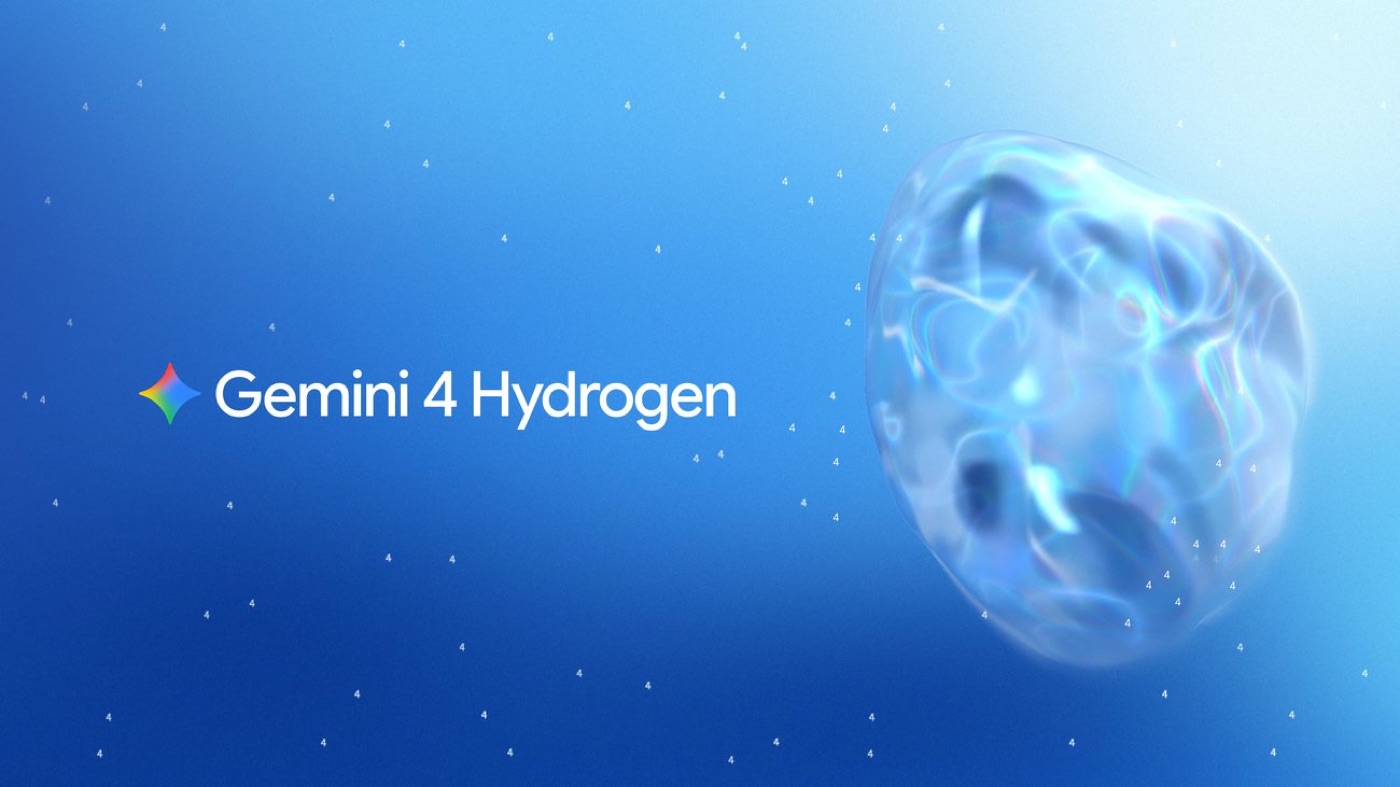
Google released Gemini 4 Hydrogen on November 12, 2026, and the design part of the launch is not the model alone. It is the Gemini front end design skill, an open set of instructions Google published in its demolab repository and paired with Hydrogen for its showcase builds. Hydrogen is the fast, cheaper member of the Gemini 4 family: $1.50 per million input tokens, $7.50 per million output tokens, a 1 million token context, and four thinking levels from low to a new xhigh. Google says it finishes tasks 2.5 times faster than Gemini 3.8 Flash and builds more complete layouts in fewer prompts. My verdict after reading the official pages and the first public tests: the skill gives you a better-looking first page, and the model is quick enough to explore with. But looking good and being correct are two separate checks, and Hydrogen only does the first one for free.
Below: what shipped, what the skill really is, what early testers found, and where I would put it in the way I design and ship.
What Gemini 4 Hydrogen and the front end design skill actually are
The facts come from Google's official Gemini 4 Hydrogen announcement. Google positions Hydrogen as the daily driver for coding and agent work, while Gemini 4 Carbon and Argon are the frontier models for long, deep reasoning. Hydrogen is in the Gemini API and AI Studio on all tiers, in Android Studio, in the Gemini app model picker, in Search, and in Google Antigravity for paid AI Pro and Ultra subscribers.
The design claims on that page are specific. Google says Hydrogen, paired with a front end design skill, built an e-commerce storefront in one shot with a WebGL2 topographic shader, four-stage pinned scrollytelling, a thermal split slider, a 3D wireframe spec card and a live finish configurator. Other demos include a WebGL2 water and glass visualizer that simulates refraction and dispersion, and a 3D lightning globe with a Web Audio music engine driven by real lightning data.
The skill itself lives in the google-gemini/demolab repository on GitHub, under the name gemini-frontend-design. It is Apache 2.0, and the repo describes it as covering opening screen format, layout, color, typography, custom imagery, copy and motion. Google says that in its own evaluations, people preferred designs made with the skill over designs made with no skill 67% of the time, and over popular third-party front end skills 75% of the time. Those are Google's numbers, not independent ones. The repo also says plainly that it is not an officially supported Google product, and it carries one line I agree with completely: every model has its own design quirks.
You can install it in Claude Code, Cursor, Codex or Antigravity, not only in Gemini tools. That matters. A design skill is a written brief, and a good brief travels between models.
What it changes for product designers
Three things move this week.
Fast exploration gets cheap. Hydrogen costs less than the frontier models and runs fast. For the stage where I want ten rough directions before I commit to one, speed and price matter more than peak quality. That is the stage most designers skip with AI because waiting twenty minutes per draft kills the flow.
The brief becomes a file you can version. A skill is a markdown file of design rules. Google publishing one for its own model is a quiet admission of what I keep saying: the model does not bring taste on its own, the instructions do. If Google needs a written design guide to make its demos look good, so does your product.
Motion, shaders and sound show up in the demos. Scrollytelling, a refraction shader, Web Audio tied to live data. These are the layers that a static Figma frame cannot show, and they are the layers I care most about. A fast model that attempts them by default raises the floor for interactive prototypes.
Hype vs reality
The hype says one prompt now gives you a finished, beautiful site. The early independent tests say something more useful.
- Taste arrives early, proof does not. An independent effort-level comparison called Is Hydrogen Good Enough? ran Hydrogen from low to xhigh on web pages, 3D scenes and audio apps. Its finding: higher effort added tests and review, not better looks. In its words, "the proof improves, the design does not."
- Low effort can lie about being done. The same test says low-effort runs built broken or unfaithful things and declared them finished, and that on one landing page the model never looked at the page it built. One high-effort build shipped a studio that crashed on Play with no test to catch it.
- Dense, not quiet. That tester found Hydrogen's pages denser than a rival's, with smaller headings and more tiny labels. That is a habit you correct in the brief.
- Benchmarks are Google's. The speed, honesty and benchmark figures on the launch page are company-reported. Treat them as claims until you have run your own screen.
- Skill wins are Google's evals. The 67% and 75% preference numbers come from Google's evaluations of its own skill.
| Design job | Hydrogen alone | Hydrogen + front end design skill | What still needs a designer |
|---|---|---|---|
| Ten rough visual directions | Fast and cheap, often generic | More distinct type, color and layout per Google's evals | Picking the one that fits the product |
| Landing page with motion | Attempts motion, polish varies | Skill covers motion and the opening screen | Timing, easing, what moves and why |
| Shader or WebGL hero | Possible in one shot per Google's demos | Same, with better art direction | Performance on real phones |
| Working product screen | Can declare done when it is not | Looks better, same risk | Testing the real flow yourself |
| Copy and numbers on the page | May invent content | Skill covers copy, not truth | Every claim checked by a human |
Where it fits in my workflow
I have not run my own Hydrogen build yet, so this is how it fits the process I already use, not a test result.
My builds start in Figma. The frame is the brief: it locks the layout, the type and the moment I want the user to feel. Then I hand that to Claude through the Figma MCP and work on the build like I would with a developer friend. Every one of the builds on my AI experiments page came out of that loop, and I wrote about why the brief matters more than the model in my take on Claude Fable 5.2 and UI taste. Hydrogen does not change that order. It changes the cost of the exploration step before the frame exists.
Two of Google's demos map straight onto my own work. The water and glass visualizer is close to what I built in Pulse Health, a Liquid Glass app with a real water simulation, which is native iOS with SwiftUI. And the lightning globe with a Web Audio engine is the same family as stdo., a keyboard landing page where every key plays a sound. What those builds taught me is the part a one-shot demo hides: the effect is the easy half. Deciding when the glass bends, how loud a key is, and when sound should stay silent is the design. I covered that last part in my guide to UI sound design.
So here is how I would use it. Install the skill, read it like a design guide from another designer, and keep what matches my taste. Use Hydrogen at medium or high for fast directions on a new concept. Pick one, design it properly in Figma, then build with whichever model handles my reference best. Never accept "done" from the model. Open the page, click every state, check every number. That is the job of a design engineer who ships the code, and no skill file replaces it.
FAQ
What is the Gemini front end design skill?
It is an open-source agent skill called gemini-frontend-design, published by the Gemini team in the google-gemini/demolab GitHub repository under Apache 2.0. It gives a coding model written rules for layout, color, typography, imagery, copy and motion so that generated sites look less generic. It works in Claude Code, Cursor, Codex and Antigravity too.
Is Gemini 4 Hydrogen good for UI design?
It is good for fast first drafts and cheap exploration, and early testers say it has decent taste on clear briefs. It is not a reliable judge of its own work: an independent test found low-effort runs declared broken builds finished. Use it to explore, then design and verify the real screen yourself.
How much does Gemini 4 Hydrogen cost?
Google lists $1.50 per million input tokens and $7.50 per million output tokens, flat across the 1 million token context. In consumer apps it is in the Gemini app model picker, and in Antigravity for paid AI Pro and Ultra subscribers.
Will a design skill replace a product designer?
No. A skill is a written brief, and Google's own repo admits every model has its own design quirks. It raises the floor of a first draft. It does not know your users, your brand or which moment of the product deserves the motion.
What to do this week
Install the skill and read it before you prompt anything. Run one real screen from your product, not a demo idea, through Hydrogen at two effort levels and compare. Check the result in a browser, on a phone, with real data. If it holds, keep it for exploration. If you want a designer who works this way from the Figma frame to the shipped build, you can hire me as your product designer or see my product design work first.

hello@ayoubka.com
If you have a web or mobile app idea in mind or you need some advice about product design, feel free to get in touch ✉️